

Channels and Fixture Control
Each DMX channel carries a control value from 0 to 255. Fixtures use one or more channels for attributes such as intensity, color, position, or effects.


OLIDMX
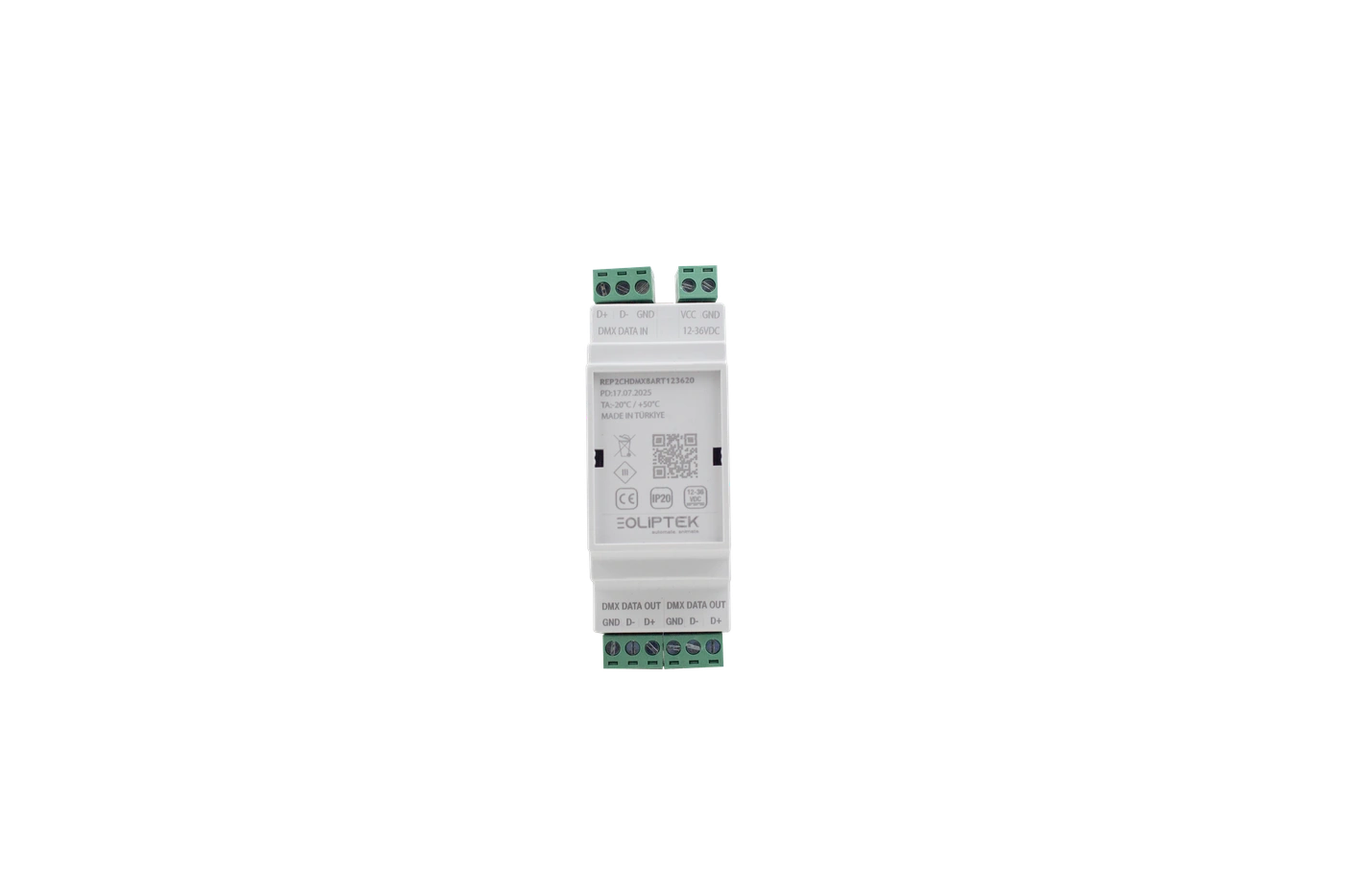
Route DMX data to separate branches where the system layout requires it.
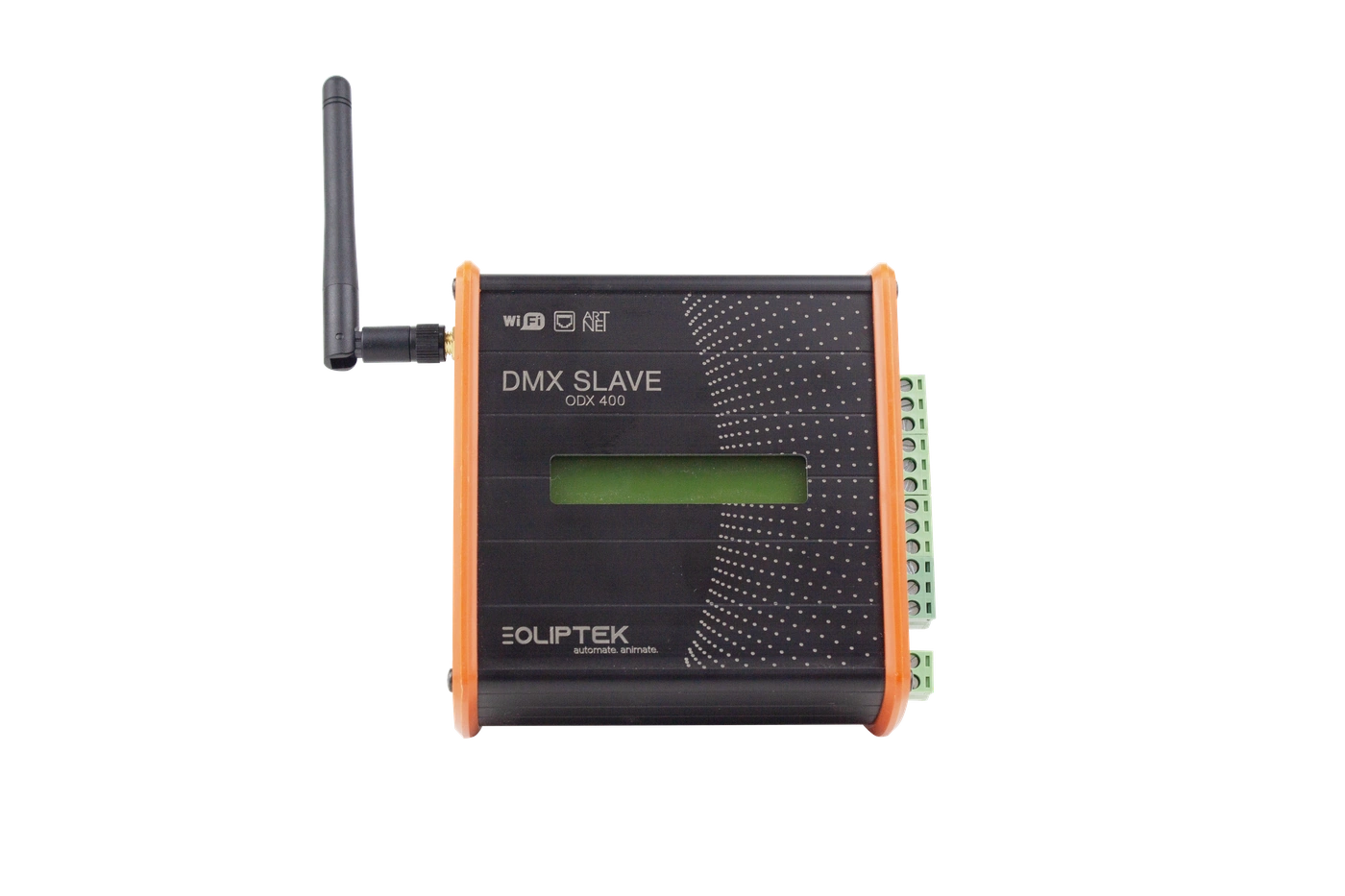
Connect compatible control environments through dedicated system devices.
Use DMX decoder devices for compatible PWM and SPI lighting outputs.
DMX System Stages
Understanding DMX
DMX gives a lighting system a shared language: the control source sends values, and each addressed device responds to the part of the data stream assigned to it.
Each DMX channel carries a control value from 0 to 255. Fixtures use one or more channels for attributes such as intensity, color, position, or effects.
A start address tells a fixture where to read from the stream. One DMX universe carries up to 512 control channels, so a clear address plan keeps devices independently controllable.
Control data travels from the source through the installation. Repeaters can create practical branches, and the final device on a line is normally terminated to help maintain signal integrity.
Art-Net and sACN transport DMX-style data over Ethernet networks. RDM can add two-way device communication in compatible systems; not every installation uses these protocols.
Use Cases
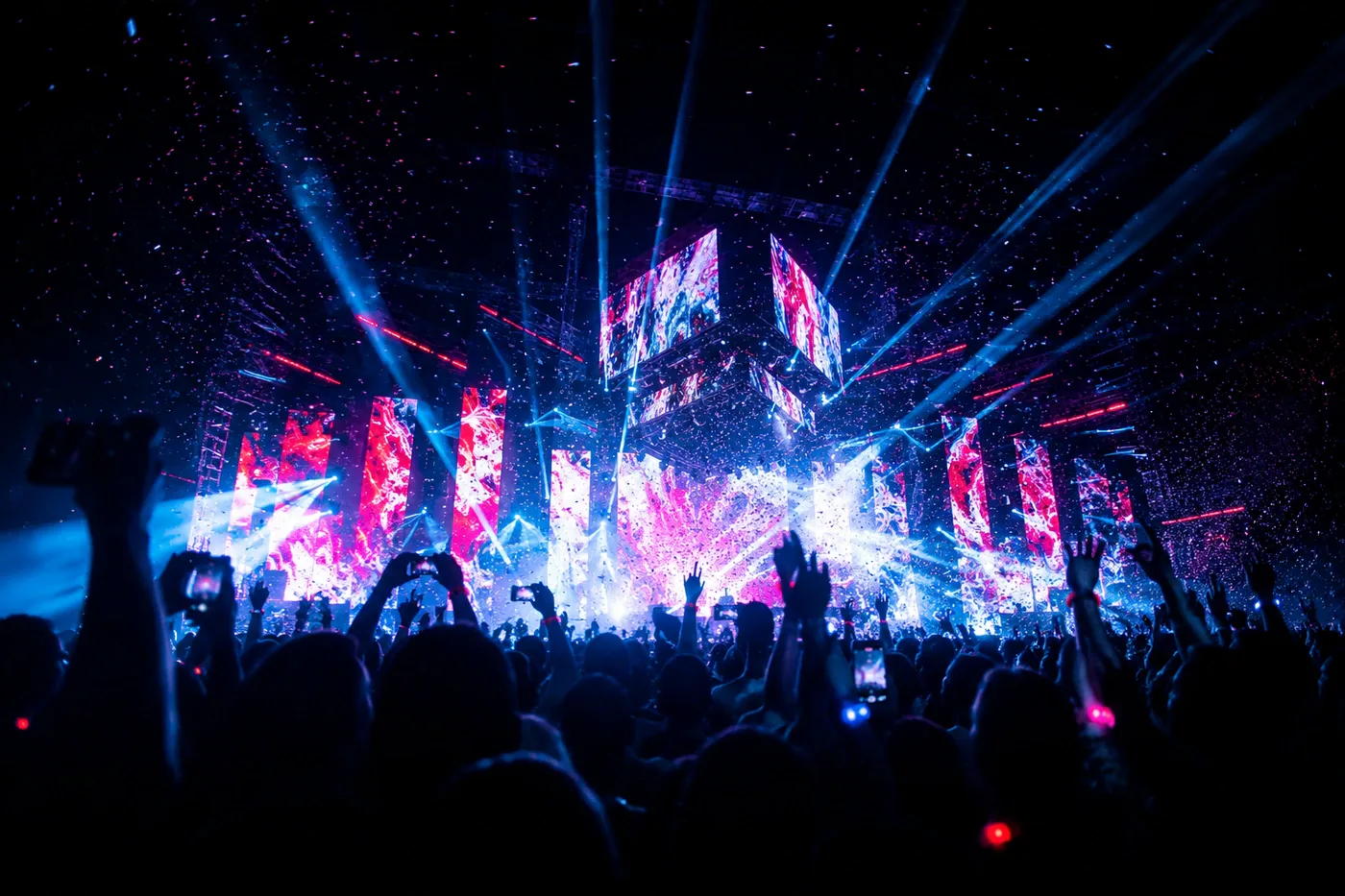
DMX in Concerts
Plan cue delivery, stage-side signal branches and fixture groups for large performance areas.
View Use Case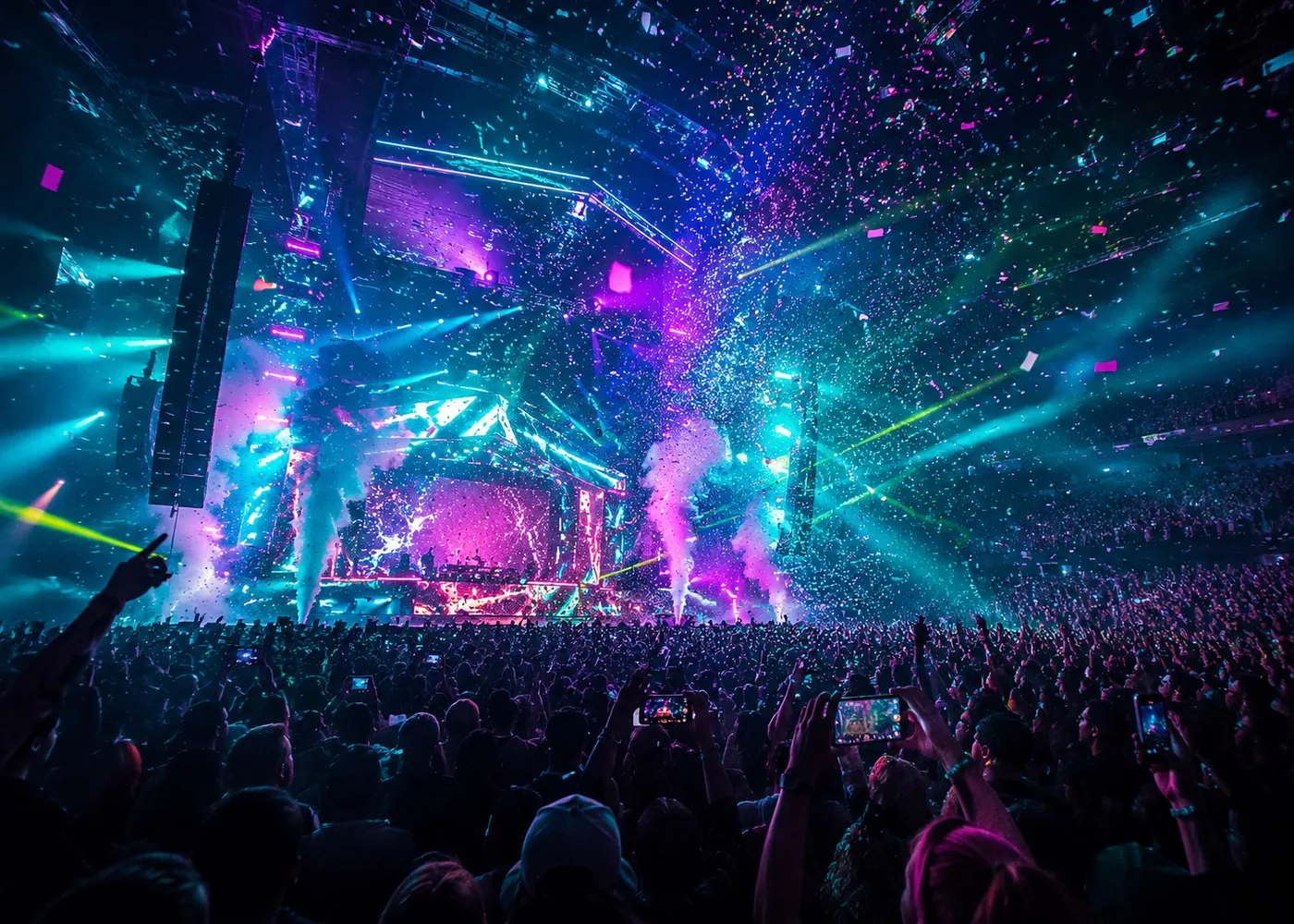
DMX in Theater
Support repeatable cues, controlled fades and documented fixture addressing throughout a production.
View Use Case
DMX in Architecture
Coordinate lighting zones, scene changes and serviceable signal routing across an installation.
View Use Case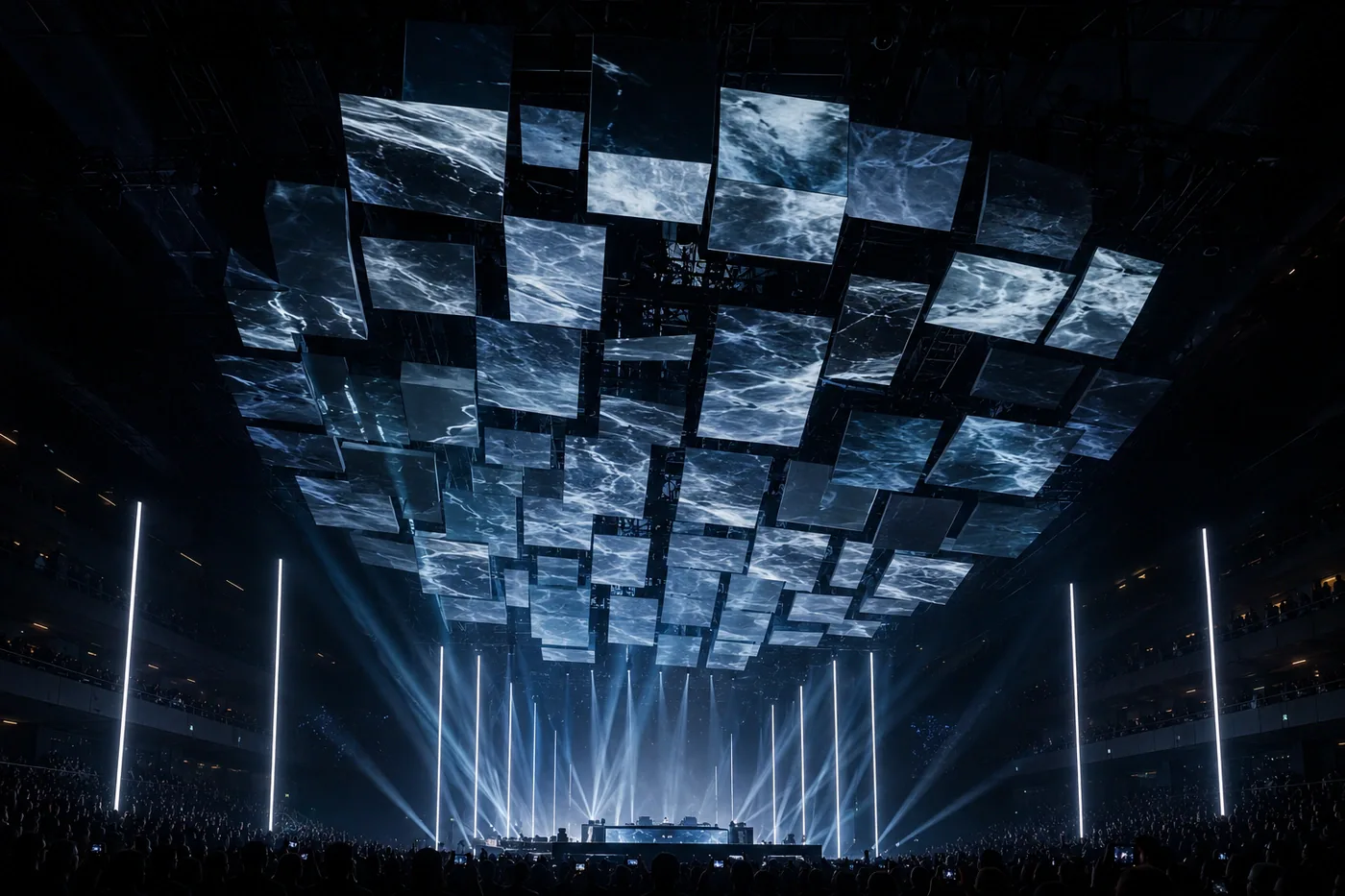
DMX on Stage
Keep flexible fixture layouts, address maps and practical signal routing clear during changes.
View Use Case
DMX for Events
Support quick deployment with clear labeling, practical branches and pre-show signal checks.
View Use Case
DMX for Installations
Build documented infrastructure that supports commissioning, maintenance and long-term operation.
View Use CaseDMX Knowledge Notes
Learn about the core layers of a DMX system and the DMX Series that suits your system needs.
A typical DMX system uses control devices, repeaters, decoders and RF PWM dimmers to manage compatible lighting control workflows. Read the guide to DMX system planning.
Choose the DMX Series that matches the required system role, then review its listed devices for confirmed information. Learn more about the fundamentals of DMX.
Technical details are added to each device page after verification. Contact OLIDMX when you need information that is not yet listed.